Table of Contents
Recent Stories
View all
Create AI-Powered VR & Planetarium Content for Education, Space, Nature & Imagination | BuildVR
Turn your ideas into immersive VR headset experiences and planetarium videos with BuildVR AI. Create educational journeys, space explorations, realistic landscapes, and imaginative worlds. Contact BuildVR for a custom quotation.
Read Story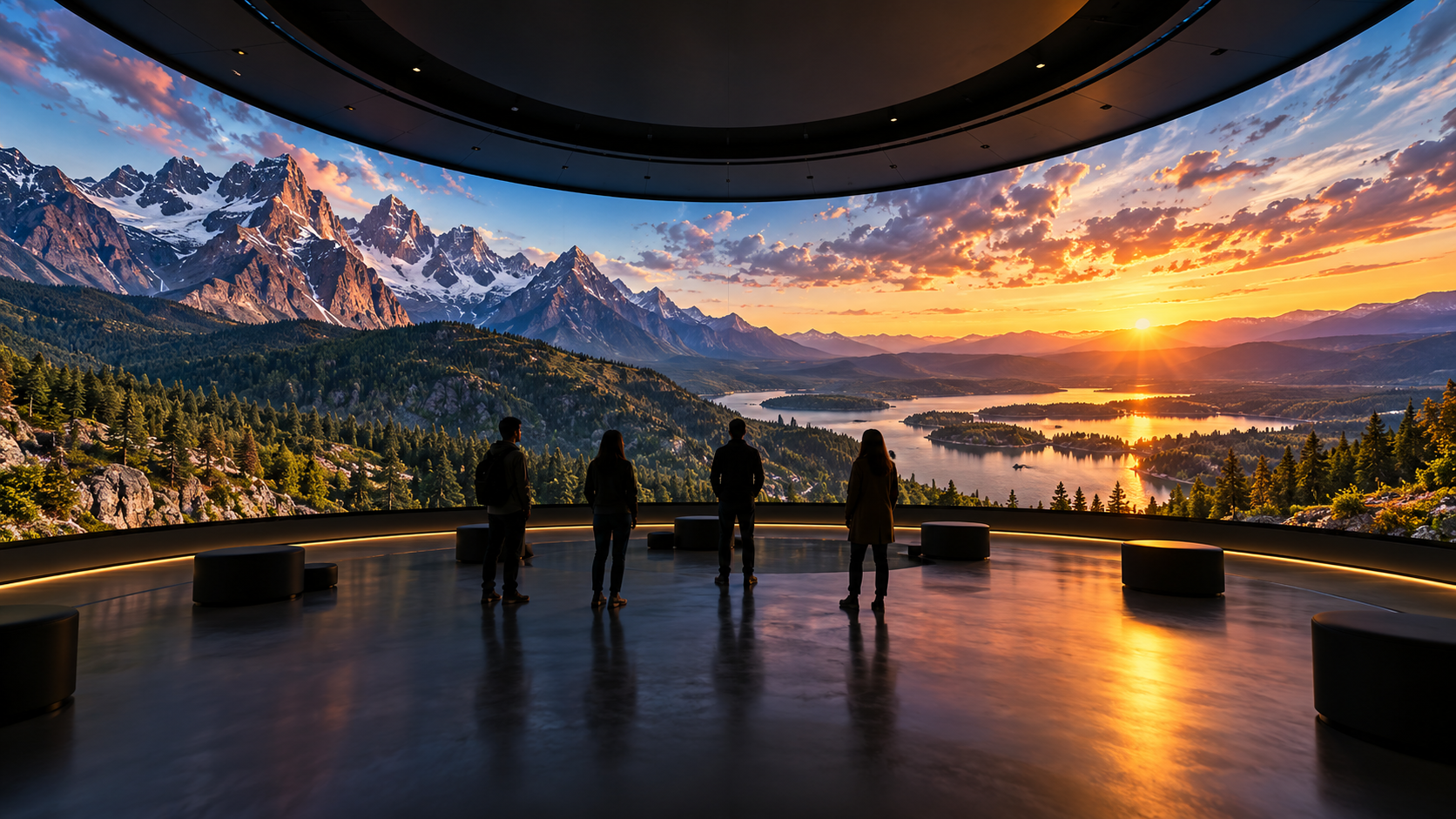
Convert Any Video into High-Resolution Cylindrical & Igloo Projection with BuildVR AI
Transform standard videos into high-resolution cylindrical and Igloo projection content with BuildVR AI. Expand scenes intelligently, support custom resolutions, and create immersive visuals for domes, events, and large-scale projection environments.
Read StoryHow to Watch VR Videos on Phone Without Headset

Start exploring immersive VR content today.
Virtual Reality doesn’t always require an expensive headset. If you’re wondering how to watch VR videos on your phone without a headset, the good news is — it’s completely possible. While a VR headset enhances immersion, smartphones today are powerful enough to let you explore 360° VR videos easily.
In this guide, we’ll show you simple ways to watch VR content directly on your mobile device.
📱 What You Need
To watch VR videos without a headset, you only need:
- A smartphone (iOS or Android)
- A stable internet connection
- A platform that supports 360° videos
Most modern smartphones support gyroscope-based motion tracking, which allows you to move your phone around to explore a scene.

🔄 Method 1: Use Motion Control (Best Experience Without Headset)
Many VR and 360° video platforms allow you to move your phone physically to change perspective.
Steps:
- Open a VR video platform in your browser
- Select a 360° or VR video
- Tap play
- Move your phone around to explore the scene
Your phone’s gyroscope adjusts the angle in real time, giving you a semi-immersive experience.
You can explore immersive content here:
👉 https://buildvr.gretxp.com/watch-vr-videos
🖱️ Method 2: Swipe to Look Around
If motion tracking isn’t enabled, you can manually swipe your screen.
How it works:
- Drag left/right to rotate view
- Drag up/down to look above or below
- Pinch to zoom
This method works on almost all smartphones and browsers.
🌐 Method 3: Watch via Browser (No App Needed)
You don’t need to download special VR apps. Most modern browsers support 360° playback.
Steps:
- Open your browser (Chrome, Safari, etc.)
- Visit a VR-enabled platform
- Select a video
- Play and explore
For curated immersive experiences optimized for VR playback, you can visit:
👉 https://buildvr.gretxp.com/home
🎧 Tips for Better Experience Without a Headset
While you won’t get full immersion, you can still enhance the experience:
✔ Use headphones for better audio depth
✔ Watch in full-screen mode
✔ Increase video resolution
✔ Sit in a distraction-free environment
✔ Use landscape orientation
These small changes significantly improve the viewing experience.
🤔 Is It the Same as Using a VR Headset?
Not exactly.
Without a headset:
- You don’t get full field-of-view immersion
- Peripheral vision isn’t blocked
- Depth perception is limited
However, it’s still a great way to explore VR content casually or test videos before upgrading to a headset.
🎥 Final Thoughts
Watching VR videos on your phone without a headset is simple, accessible, and completely free. Whether you’re exploring travel, music, roller coasters, or immersive storytelling, your smartphone can deliver a solid 360° viewing experience.
When you’re ready for a deeper level of immersion, you can always upgrade to a headset — but until then, your phone is more than enough to get started.
Start exploring immersive VR content today.
Create Immersive Experiences with BuildVR
Convert videos, build VR websites and preview immersive content right in your browser.